A platform-independent application for online connection to B&R PLCs to monitor process variables.
Deployment
Note: Future machine images will have VarWatch pre-installed. In that case, simply open WebVisu → Overview → Tab 3 (VARWATCH).
1. Download Release
Download from GitLab:
– 출시
– `varwatch-x.x.x-linux-x64.tar.gz`
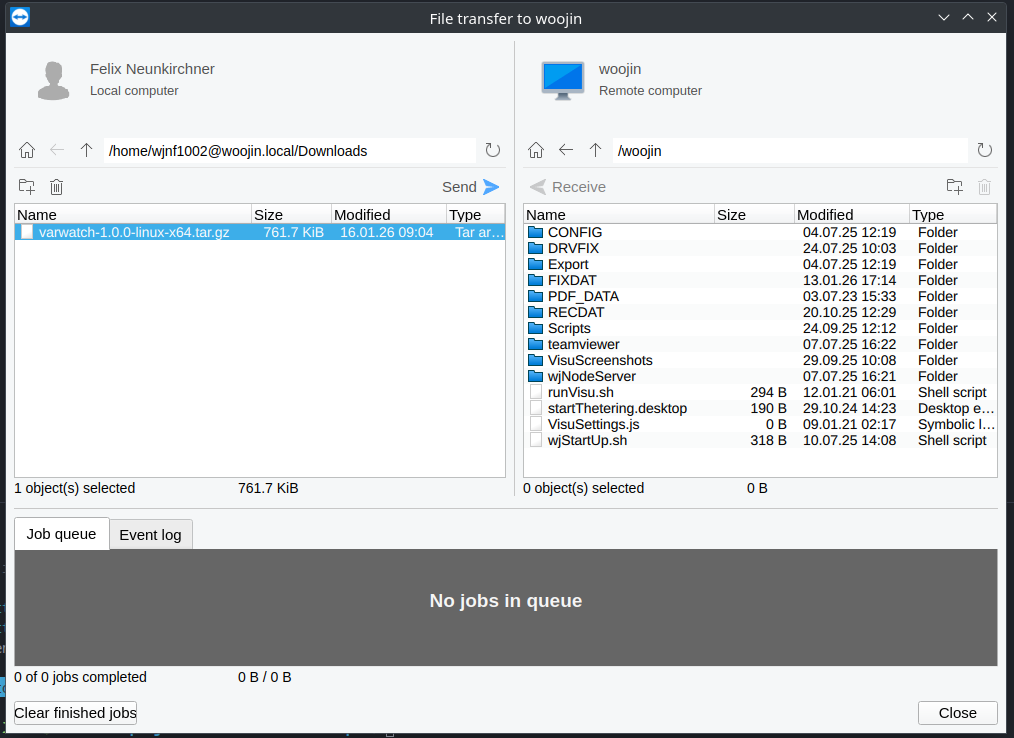
2. Transfer and Extract via TeamViewer
중요한: Do NOT extract on Windows! Transfer the `.tar.gz` file directly and extract on Linux to preserve file permissions.
1. Connect to target system via TeamViewer
2. Use File Transfer to copy `varwatch-x.x.x-linux-x64.tar.gz` to `/woojin/`
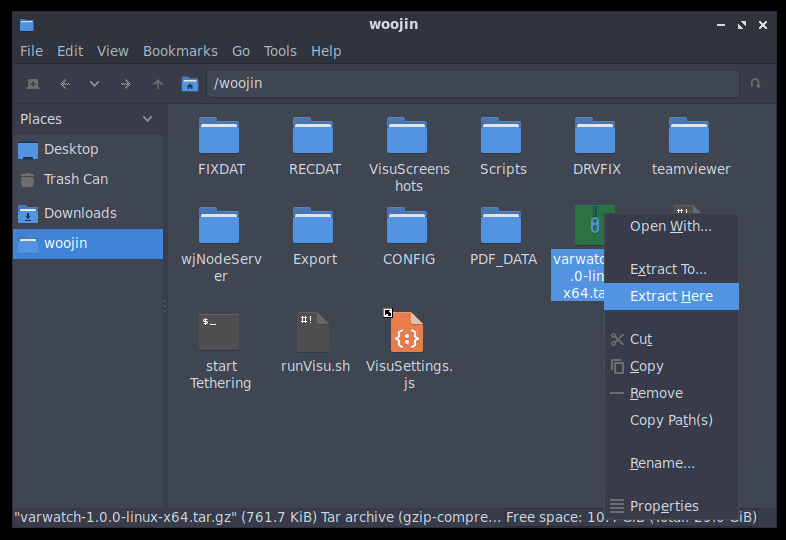
3. Right-click the `.tar.gz` file → **Extract Here**
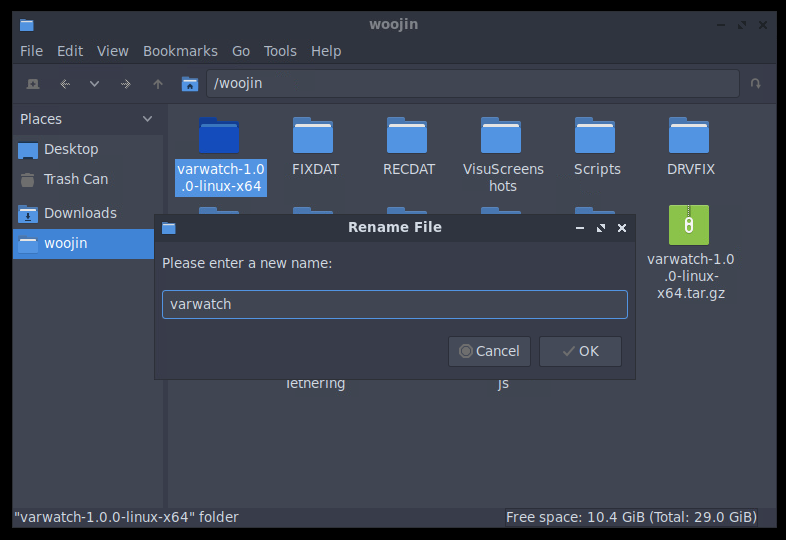
4. Rename the extracted folder from `varwatch-x.x.x-linux-x64` to `varwatch`
3. Start VarWatch
Open LXTerminal on the target system:
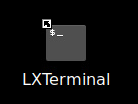
cd /woojin/varwatch
./varwatch-web.sh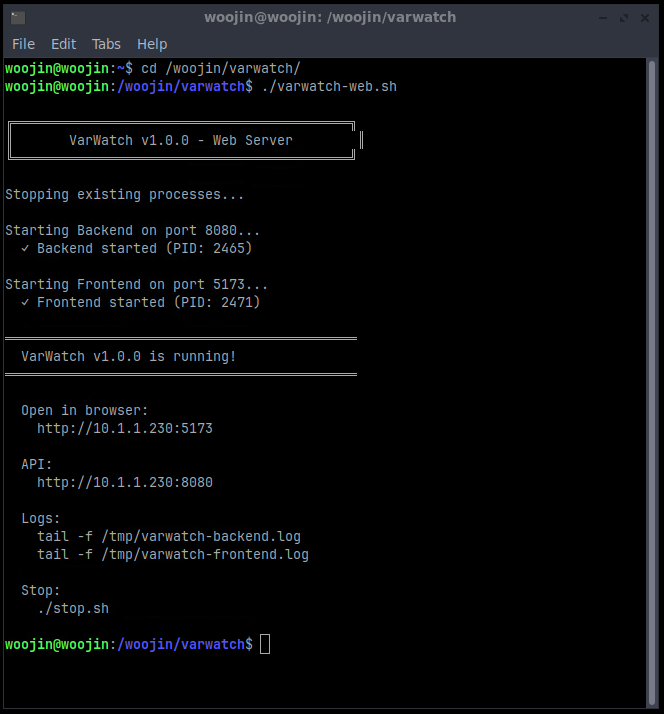
Usage
1. Open VarWatch
Option A: Direct Browser Access
Navigate to the URL shown in the terminal output (e.g., `http://localhost:5173`):
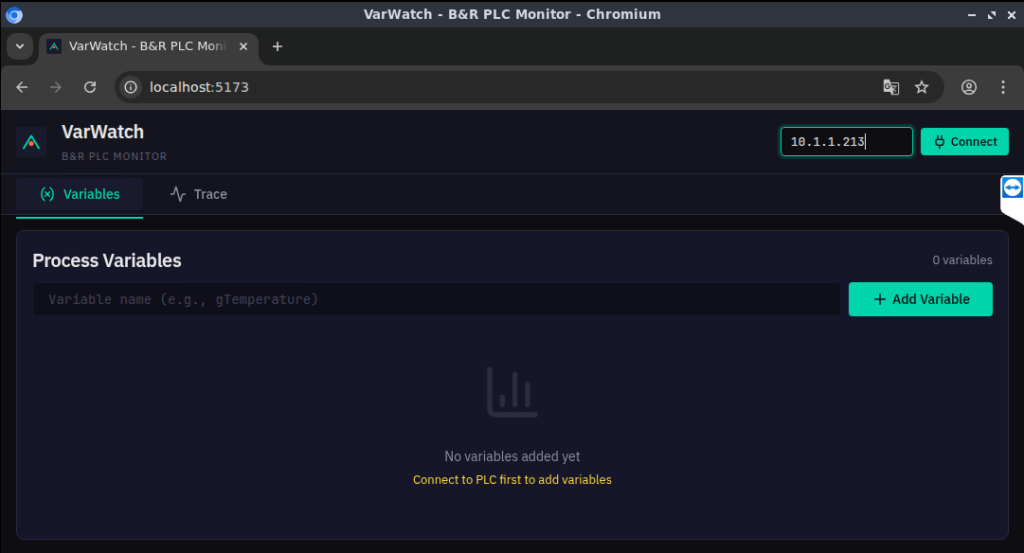
Option B: Via WebVisu
Open WebVisu → Page 개요 → Tab 3 VARWATCH:
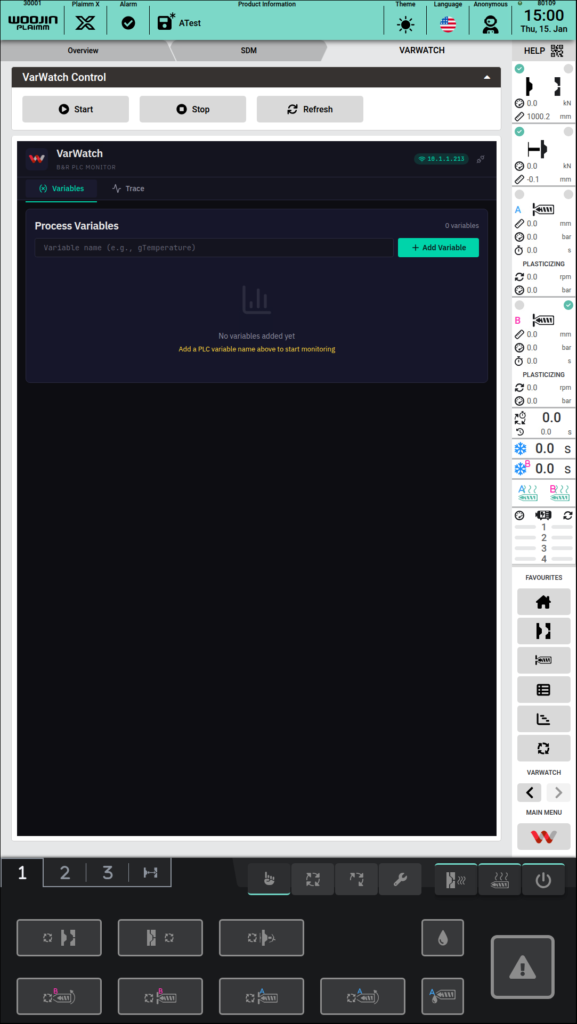
2. Connect to PLC
Enter the PLC IP address and click Connect:

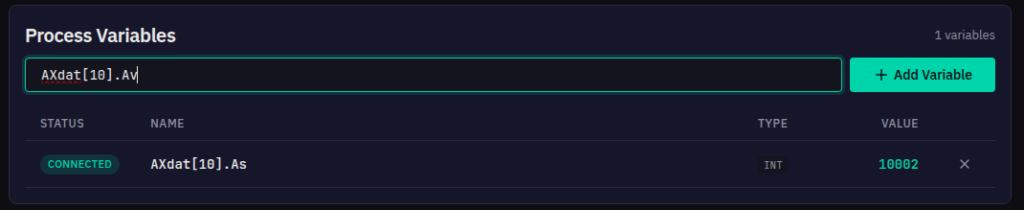
3. Add Variables
Enter a variable name and click Add Variable:
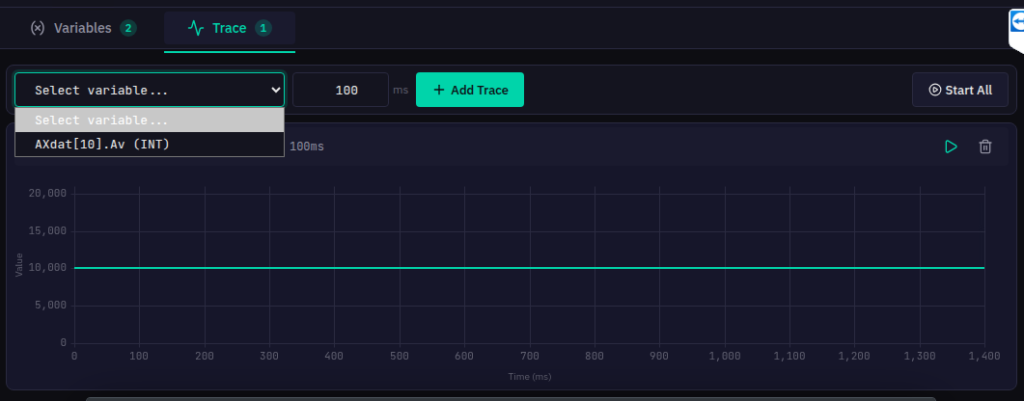
4. Add Trace
Switch to Trace tab, select a variable, set sample rate and click Add Trace:
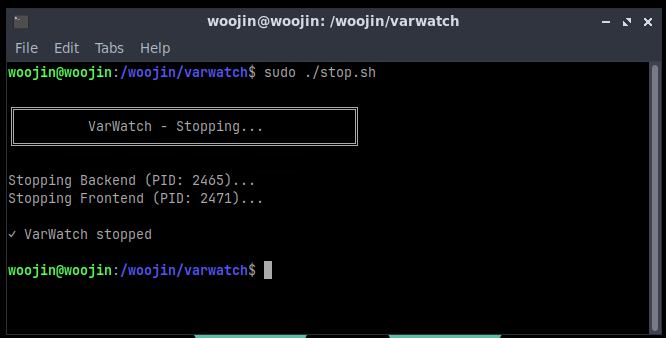
5. Stop VarWatch
When finished, run `./stop.sh` or restart the machine:
cd /woojin/varwatch
./stop.sh
Note: If prompted for sudo password, enter: `00000000` (8 zeros)