
Woojin-time is a time tracking app, that each of us can use to track our and other team members working time. You can access it at the following URL:
https://woojin-time.vercel.app/
The first time you open it, you see the following message, telling you to select the monday boards you wish to track:
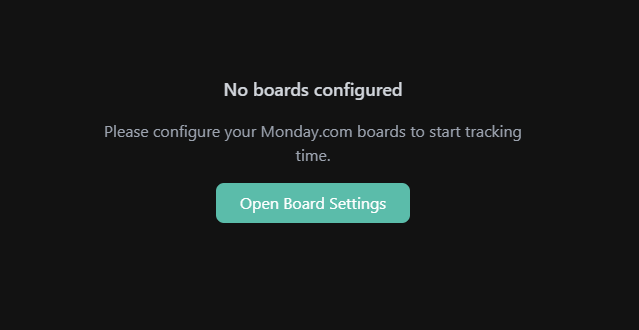
Click the button and set up the boards you want, preferably all to have the full overview:
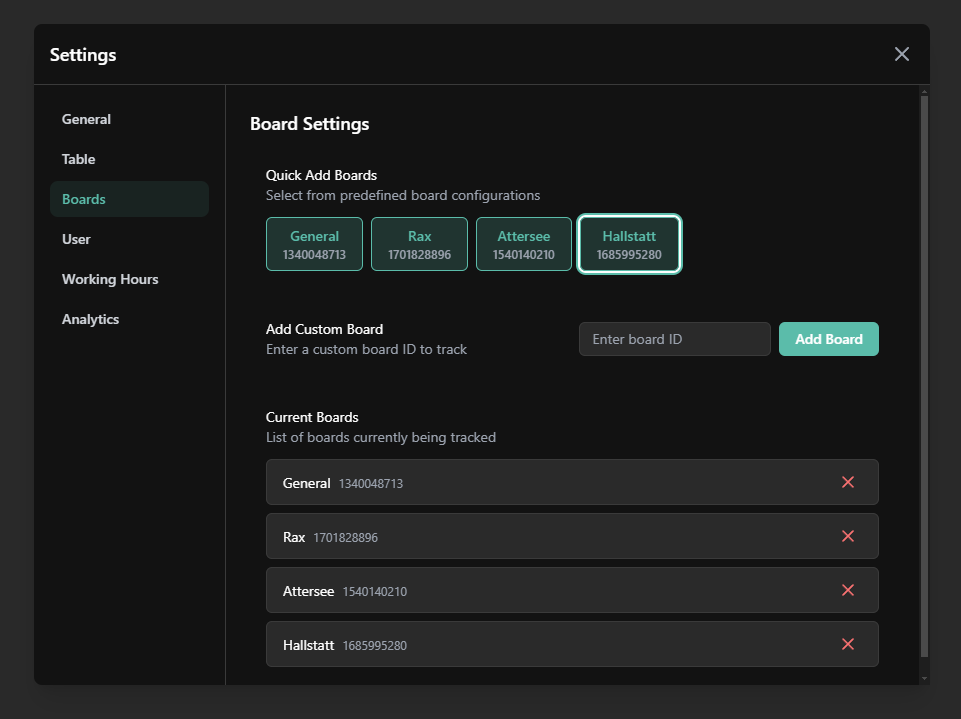
After that you can close the modal, and update the board data with the button in the top right corner.
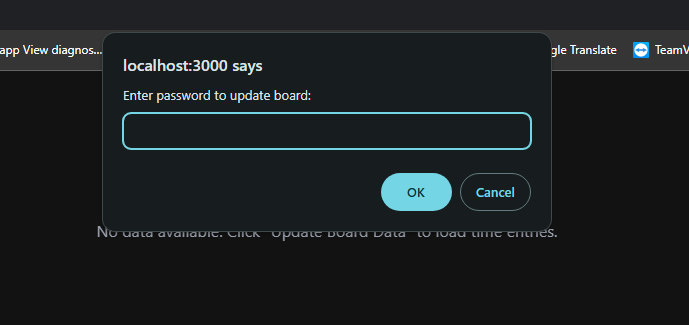
Upon first time requestin and update, a password will be requested. This is to prevent anyone outside of the company making to many API requests to monday.com and outlook calendar. Use the following password to unluck it:
xK9#mP2$vL5nR8@jQ3
After you use the password, the update process should initiate, followed by fetching of the Outlook calendar data. This usually takes around 20-30 seconds.
Once the update is complete you will see the daily times of all members of our monday.com boards, as well as calendar entries for out of office from our Outlook shared calendar.
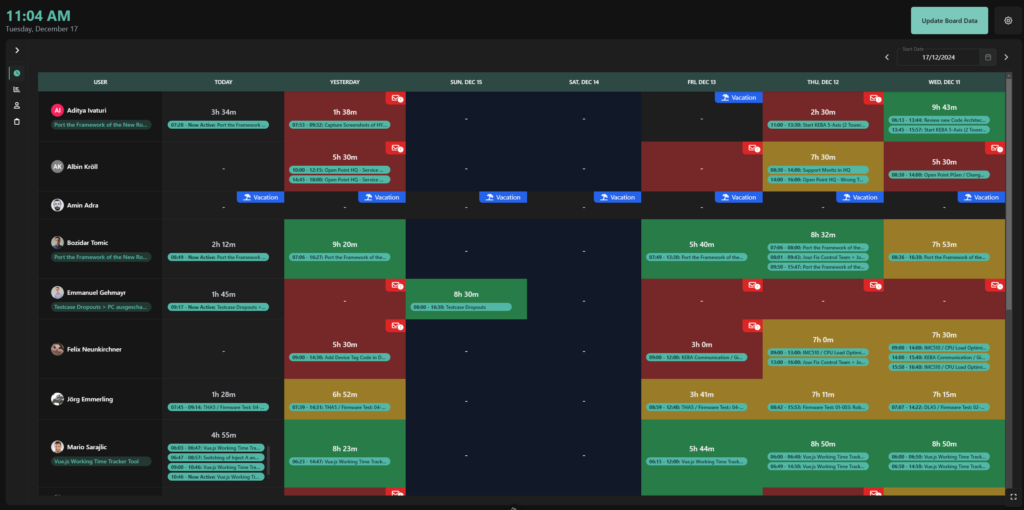
Next to the Update button you will find the Settings button. Here you can configure multiple options related to the application, like user settings, system theme, auto updates, etc. I invite everyone to explore this on their own, not to go into too many details. All the settings made here are saved upon refresh and are connected to your browser cache. If you switch browsers, PCs or delete browser data they will be reset.
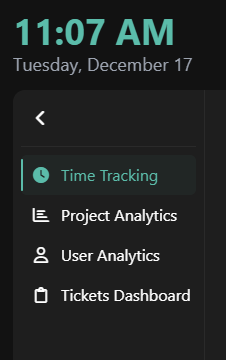
On the left side of the app you also have some other functionalites that you can also explore in more detail yourself.
This is the first release version, so there might be bugs and issues. If you find any please report them. Any suggestions on improvements or additional functionality is welcome.