선적 서류 비치: https://wiki.ubuntuusers.de/xdotool
Using xdotool Scripts for Automation and Testing
This document provides an overview and instructions for the custom xdotool-based scripting setup located on our new Linux Image (006 StormEagle) in /woojin/Scripts/xdotools. These scripts allow you to automate and test various tasks on your Linux system, such as moving to specific pages, switching languages, and recording mouse movements.
폴더 구조
1. /woojin/Scripts/xdotools/macros
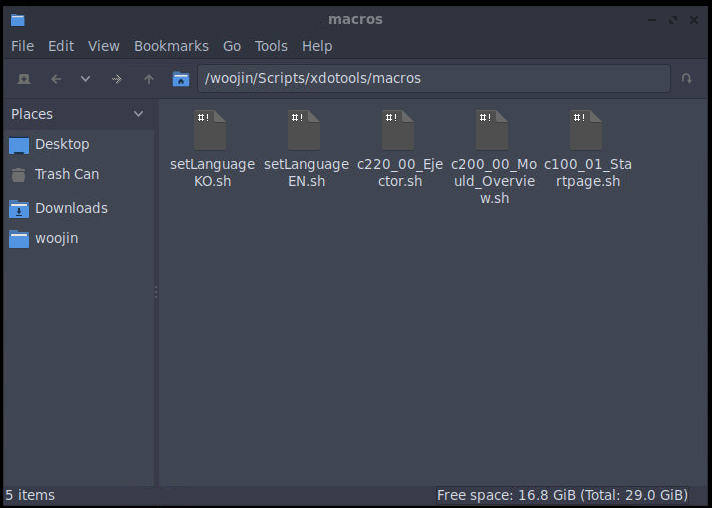
This folder contains pre-defined macros, which are individual xdotool scripts that execute specific tasks.
Examples of Macros:
- Move to a Certain Page: Navigates to a specific page like “c220_00_Ejector.sh”
- Switch Language: Automates the process of changing the system language e.g. “setLanguageKO.sh”
These macros are building blocks for more complex operations and can be used individually or combined in tests.
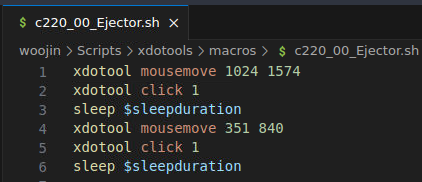
2. /woojin/Scripts/xdotools/test
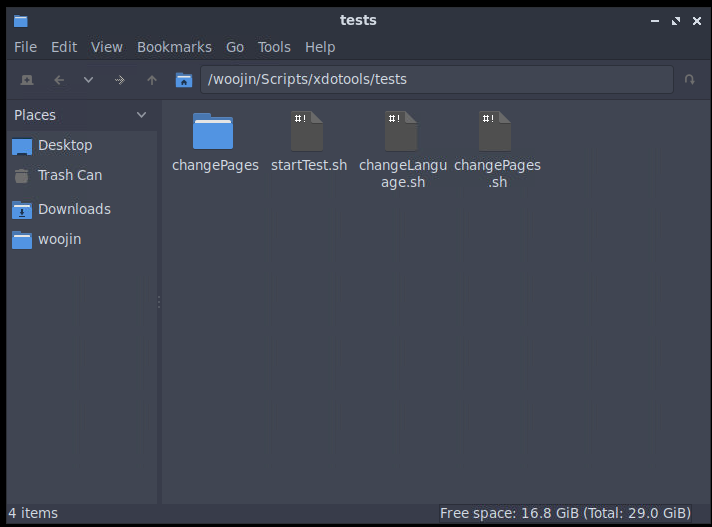
Examples of Test:
- changePages: Combines multiple macros to test navigating between different pages within an application or website. The test scripts orchestrate macros and validate the intended behavior.
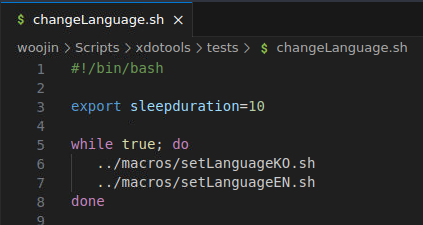
- changeLanguage: Combines multiple macros to switch between mutiple languages.
3. /woojin/Scripts/xdotools/record
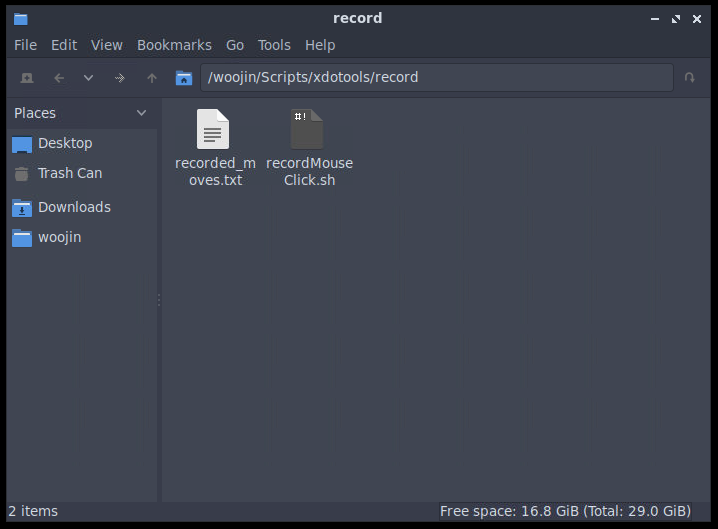
This folder contains tools for recording mouse movements and clicks, which are essential for creating macros.
Key Script:
recordMouseClick.sh:
- 목적: Captures the current mouse position when you press the
큐key. - Output: Writes the recorded coordinates to the file
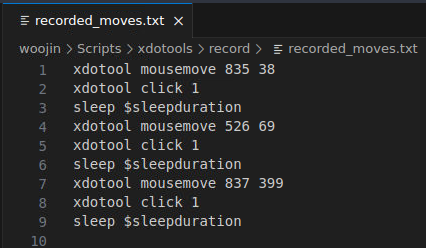
recorded_moves.txt. - Usage: This script is especially helpful when defining precise coordinates for macros that rely on mouse movements.
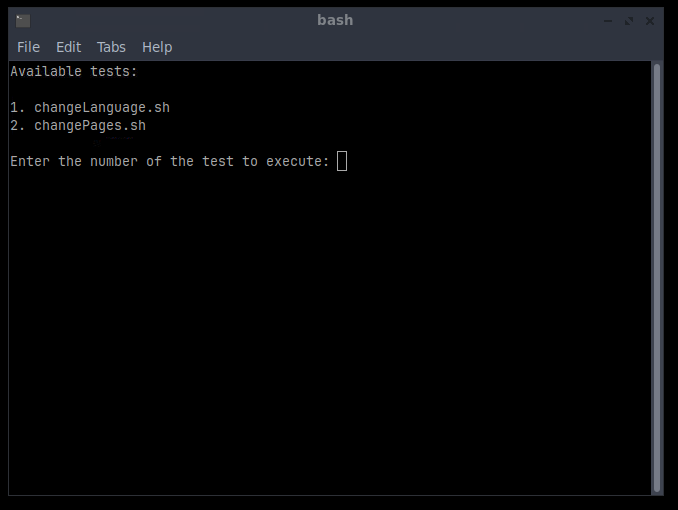
4. /woojin/Scripts/xdotools/start test
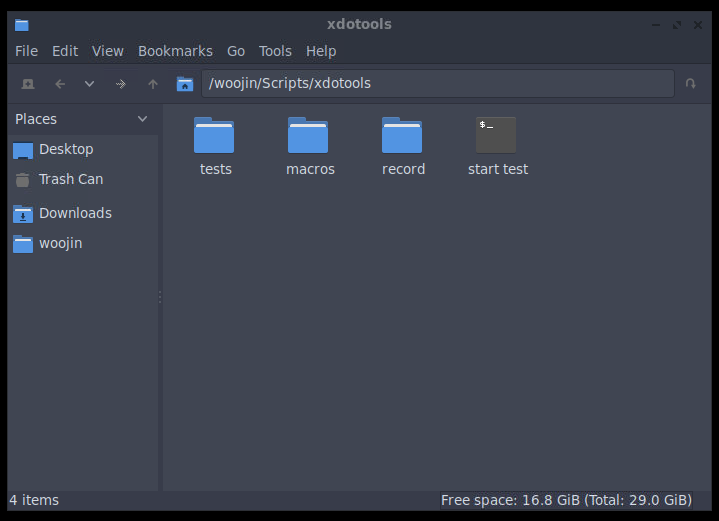
This is an executable icon designed for user-friendly test execution.
How it Works:
- Clicking this icon triggers a script that reads all the files inside the
시험folder. - It prompts the user to select a test to execute.