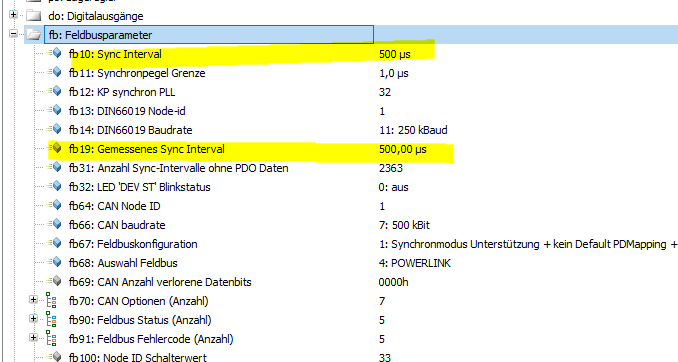

Only B&R Drives running only at 400µs.
KEBA Drives only at 500µs
KEB Drives can be set to 400µs and 500µs
For Master >= UF 3.x.x Powerlink must be set to 500µs.
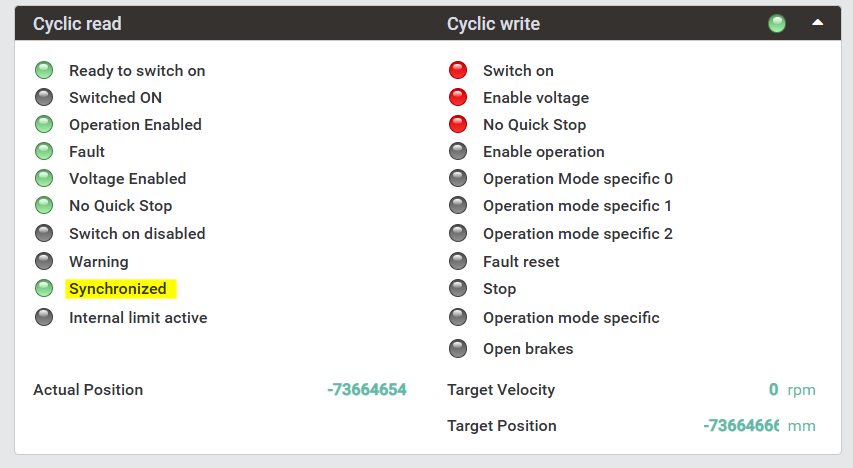
In case drive cycle time is still running with 400µs, the “sycronized flag” on status word is missing
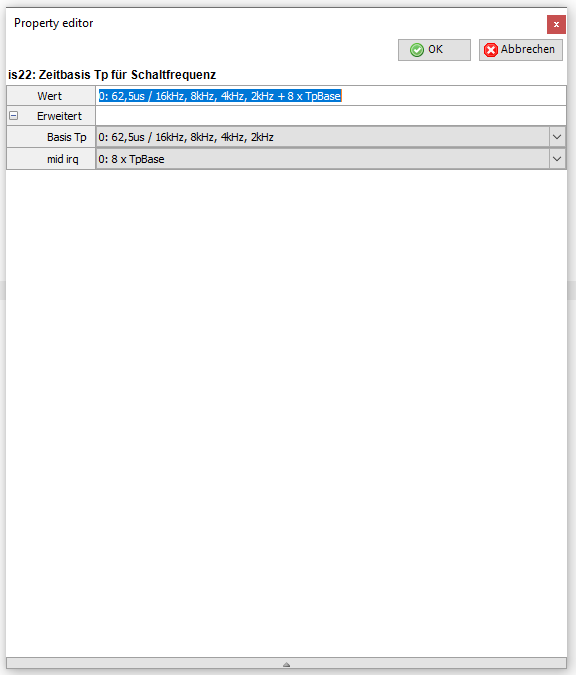
First is22 value must be set from 100µs base frequency to 62.5µs.
Then perform Reset on the drive
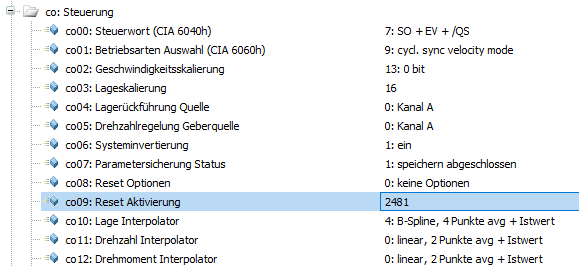
After Reset, the drive will boot up with 500µs sync intervall