
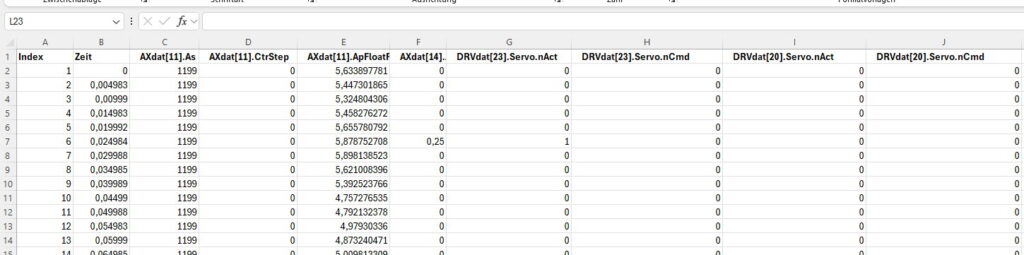
The B&R TraceAnalyserTool is a macro-based Excel document that reads CSV files from B&R Automation Studio and analyzes them. The software allows trace variables to be imported into specific Excel columns for further processing.
Features
- CSV File Import: Trace data recorded in Automation Studio is automatically copied into a new Excel table / spreadsheet.
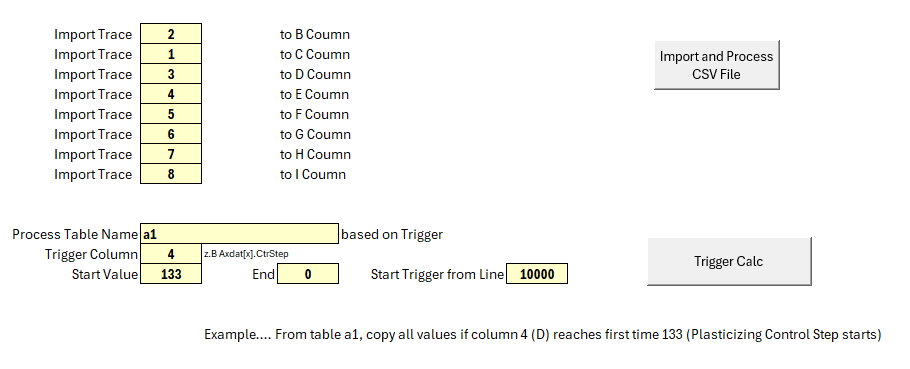
- Variable Mapping: Users can select which trace variables (1 to 8) are imported into which Excel columns.
- Trigger Function: A trigger point can be set to extract relevant data for analysis.
- Data Filtering: From a certain condition (e.g.,
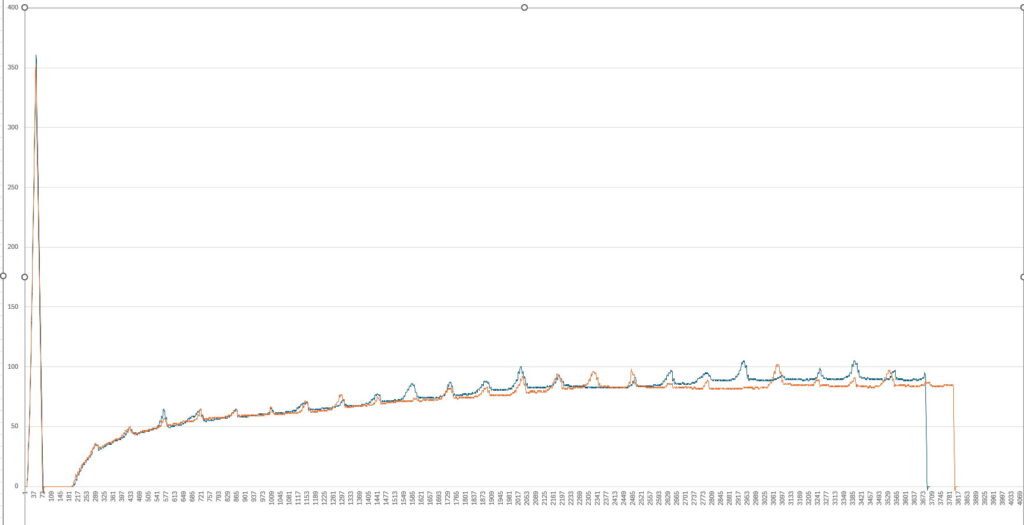
AXdat[11].CtrStep 133, start of plasticizing), all relevant rows are transferred to a separate sheet. - Comparison of Setpoint and Actual Values: The extracted data can be easily plotted as XY trends to analyze motion sequences and machine cycles in detail.
Benefits
✅ Automated data processing
✅ Simple analysis of motion data
✅ Efficient comparison between setpoint and actual values
✅ Fast visualization using Excel charts
This tool simplifies the analysis of machine movements and helps identify optimization potentials in process control more quickly. 🚀
Example Use Case
A 160-second trace with two machine cycles is loaded into the tool. By setting a trigger at the plasticizing start, relevant motion data can be isolated and visually compared.
Raw CSV File
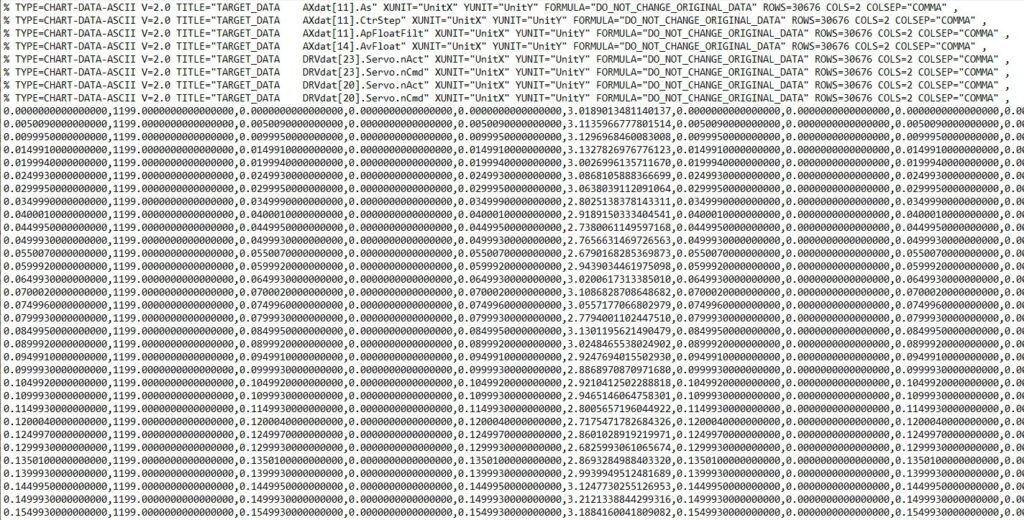
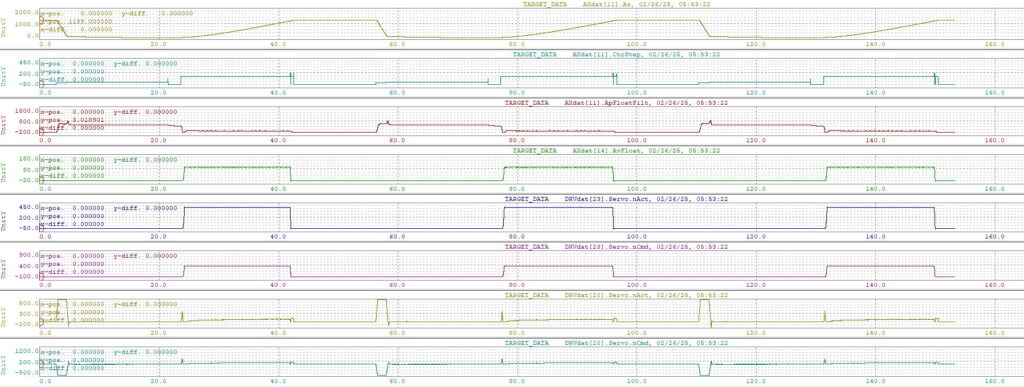
Will be converted to
Also Trigger can be set, and data will be copied to new table, starting e.g. with plasticizing control step
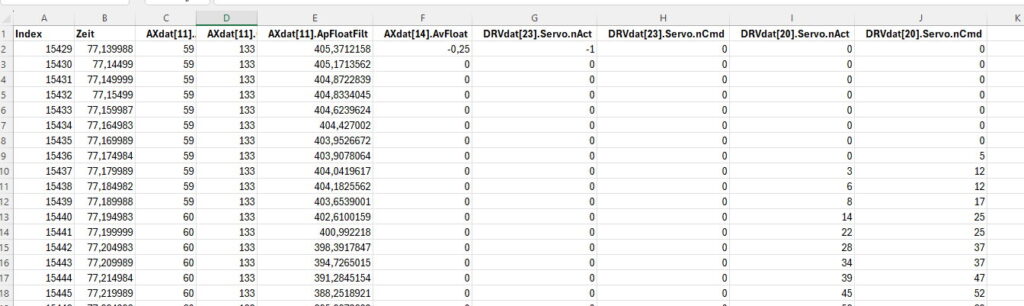
Then it is easy to create manually xy-trends to compare e.g. set and actual value of speed