
Step 1: Connect your phone to the HMI PC using a USB cable.
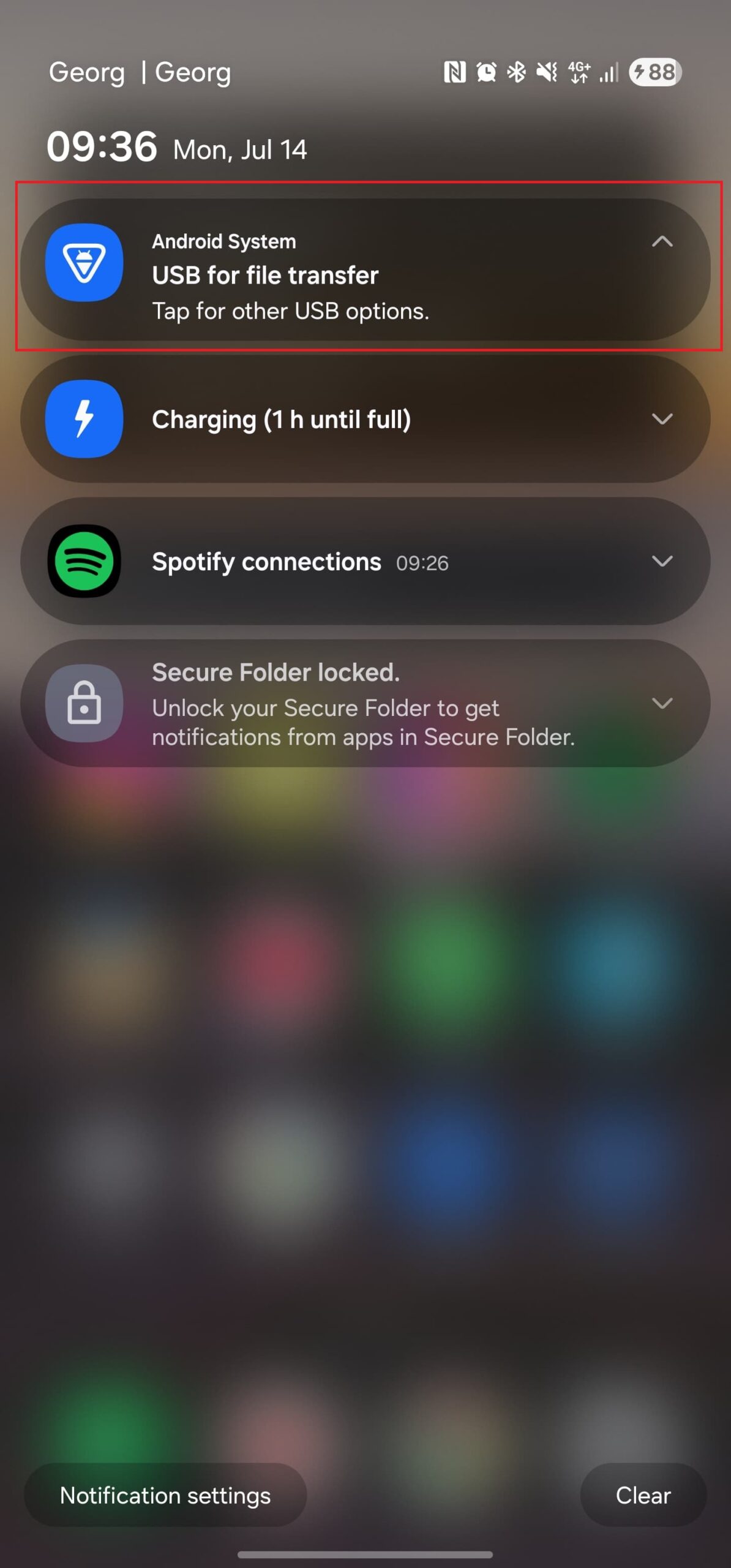
Step 2: On your phone, tap the USB notification.
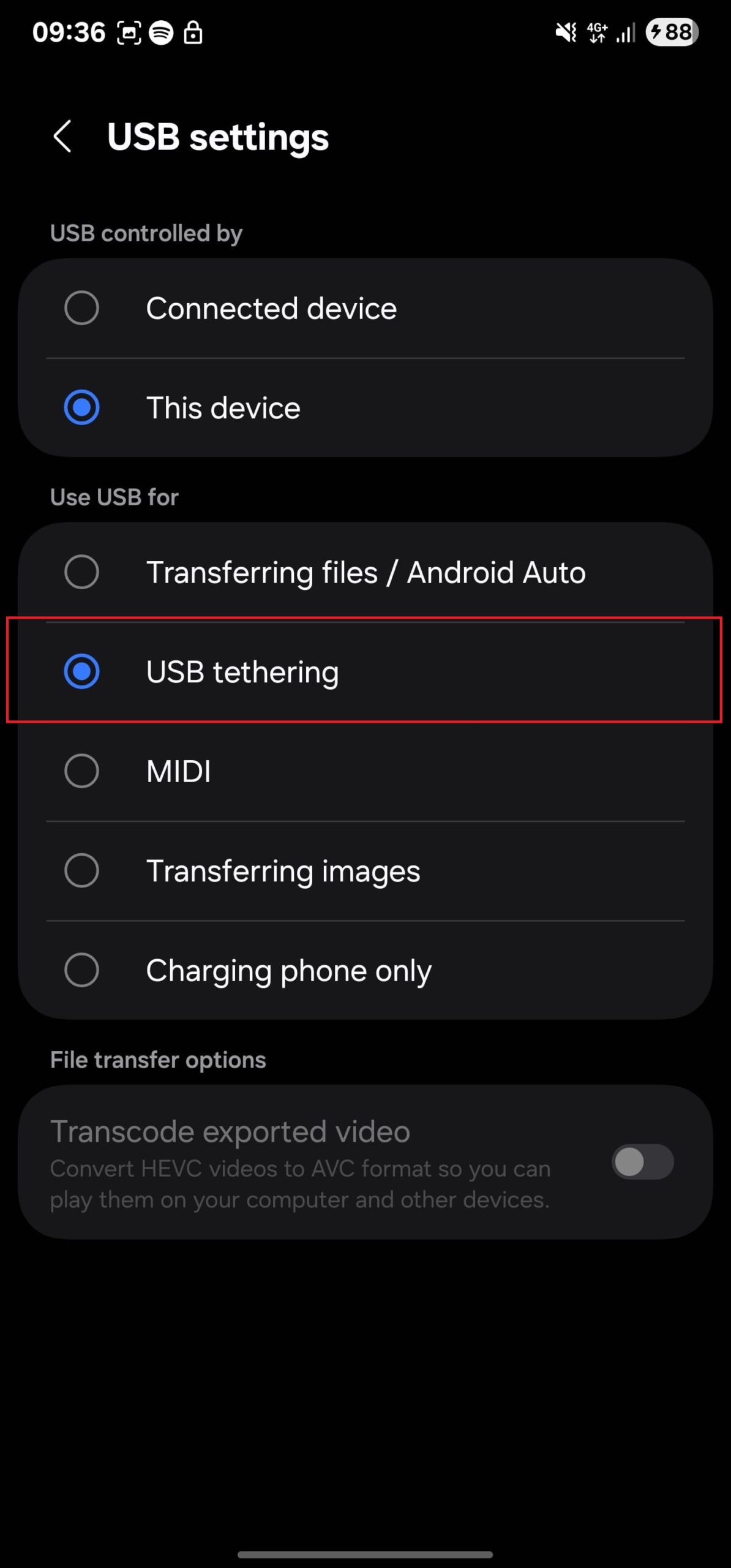
Step 3: Select “USB Tethering” from the list of available USB options.
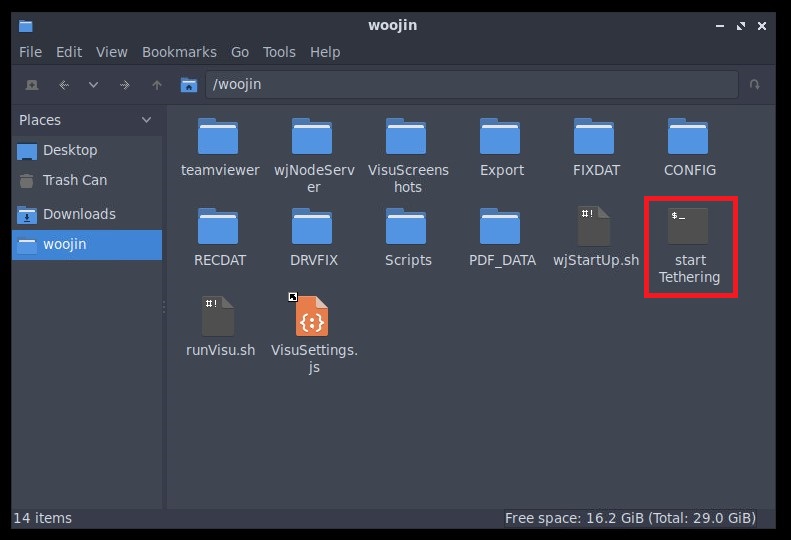
Step 4: On the HMI PC, run the script named “start Tethering" located in the /woojin directory.
Step 5: When prompted, enter the sudo password: 8x0 (00000000) and press Enter.
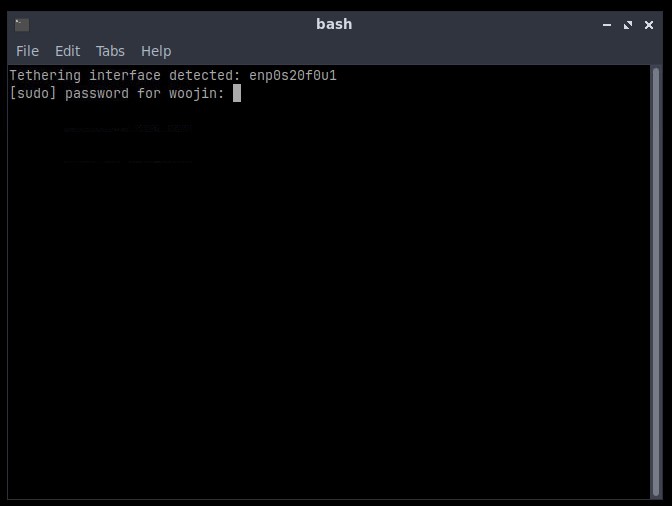
Expected output:
You should see a message similar to:
“USB tethering activated on interface“
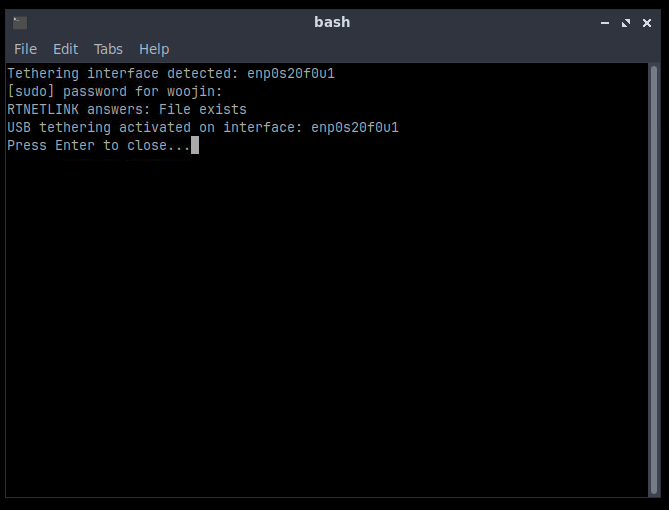
At this point, everything should be set up correctly.
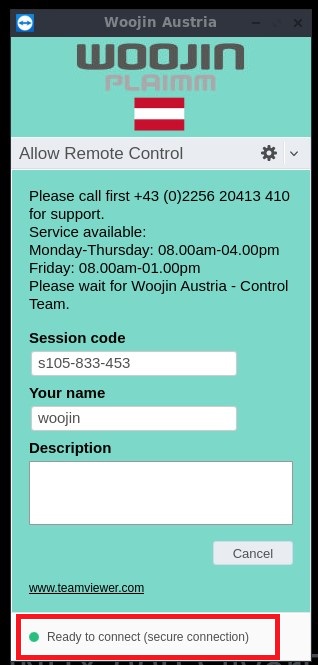
Now, launch TeamViewer QuickSupport – you should see the green connection indicator.